Whether you're doing academic research, designing promotional assets, or just want to salvage pictures from a PDF, image extraction is a valuable skill.
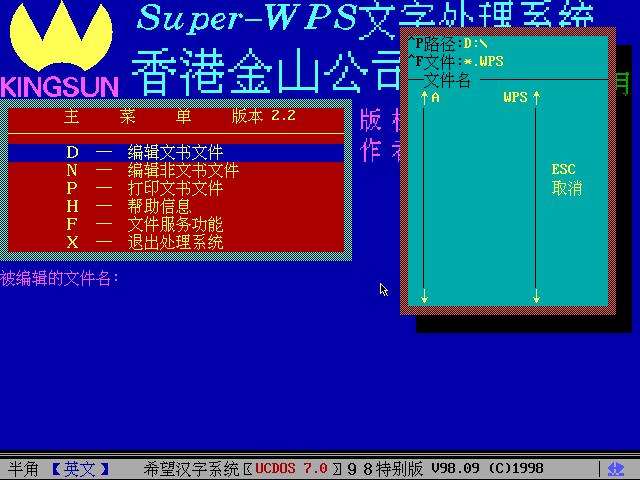
Most users believe image extraction from PDFs demands professional tools or coding knowledge, yet WPS PDF Converter simplifies it to a few clicks.
WPS PDF Converter is part of the WPS Office suite, known for its user friendly interface and robust features that rival more expensive alternatives.
Start by launching WPS PDF Converter on your desktop or laptop.
Launch the application and locate the PDF file you wish to work with.
You can do this by clicking on the Open button or simply dragging and dropping the file into the program window.
After the document loads, go to the Convert section at the top of the screen.
Here you will find several conversion options, including converting to Word, Excel, PowerPoint, and image formats.
 Loading


Disclaimer
- All content on this website, including but not limited to text, images, and videos, is not owned directly by us.
- All content on this site, whether text, images, or videos, originates from external sources or User - Generated Content (UGS).
- We are not liable for any loss or damage resulting from the content on this website.
Comments
Leave your comment (spam and offensive messages will be removed)